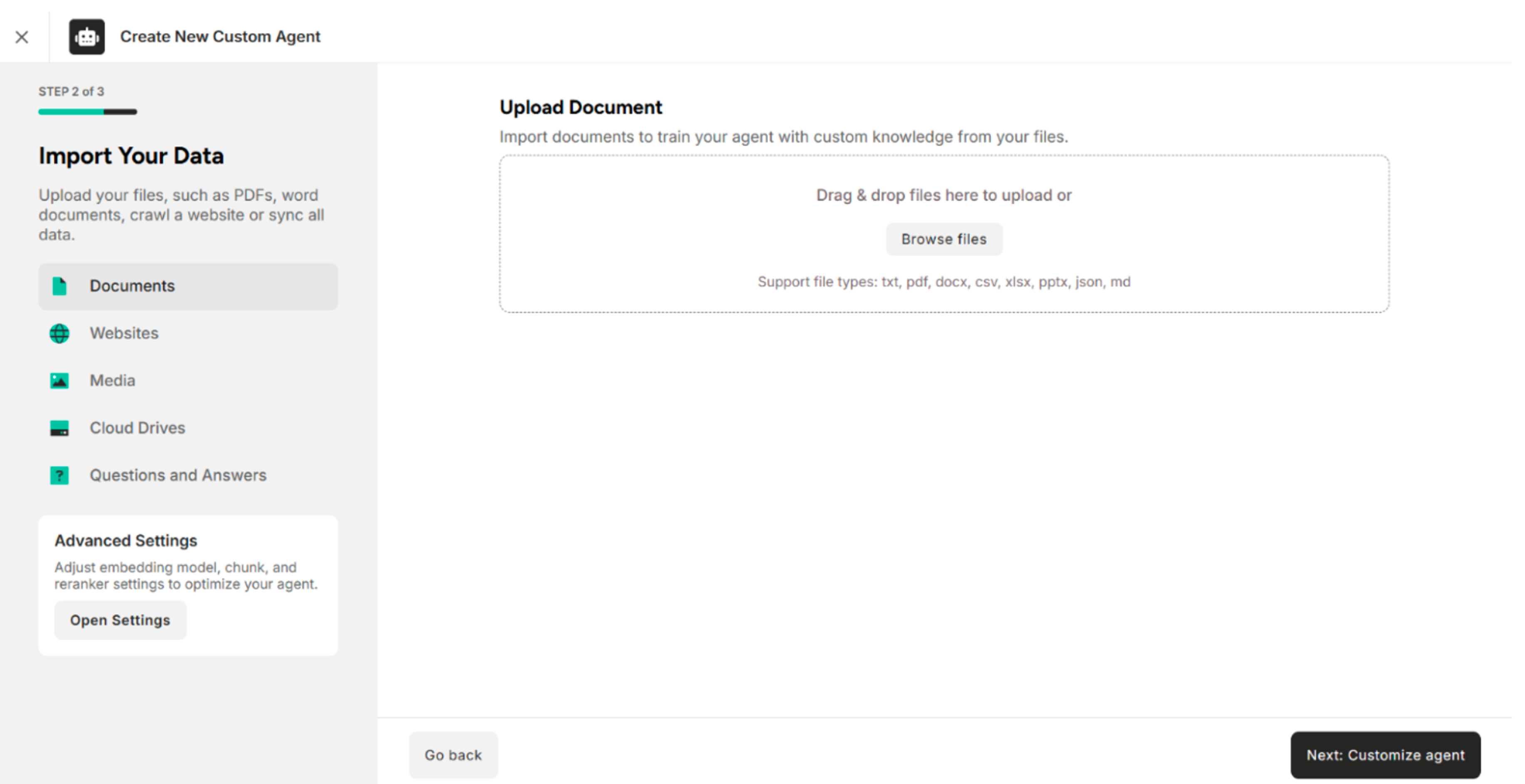
1. Step 1 of 3 – Add Your Agent Information
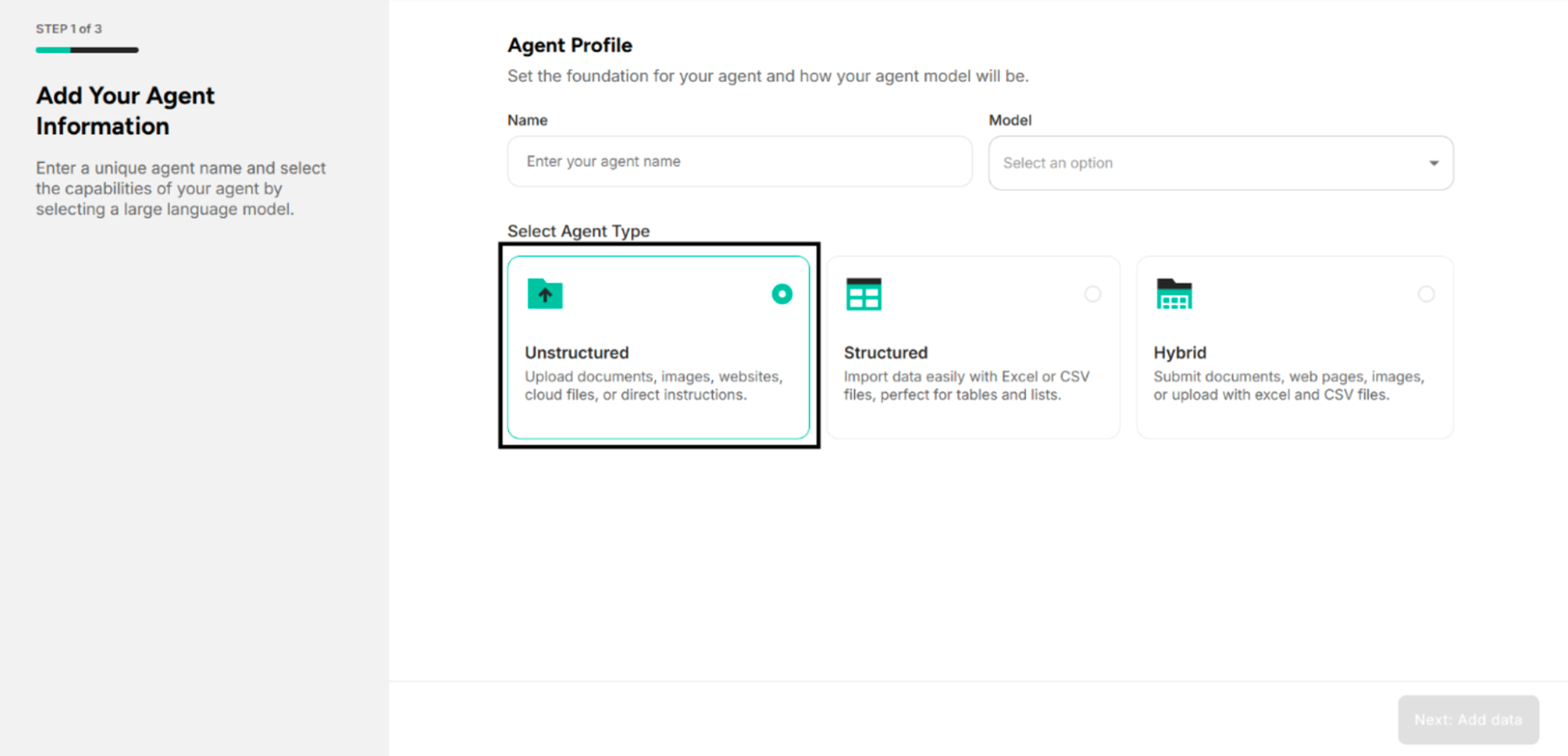
Step 1: Choose "Unstructured" in the Select Agent Type Interface
Step 2: Enter the Agent Name and Select a Model in the Agent Information Interface
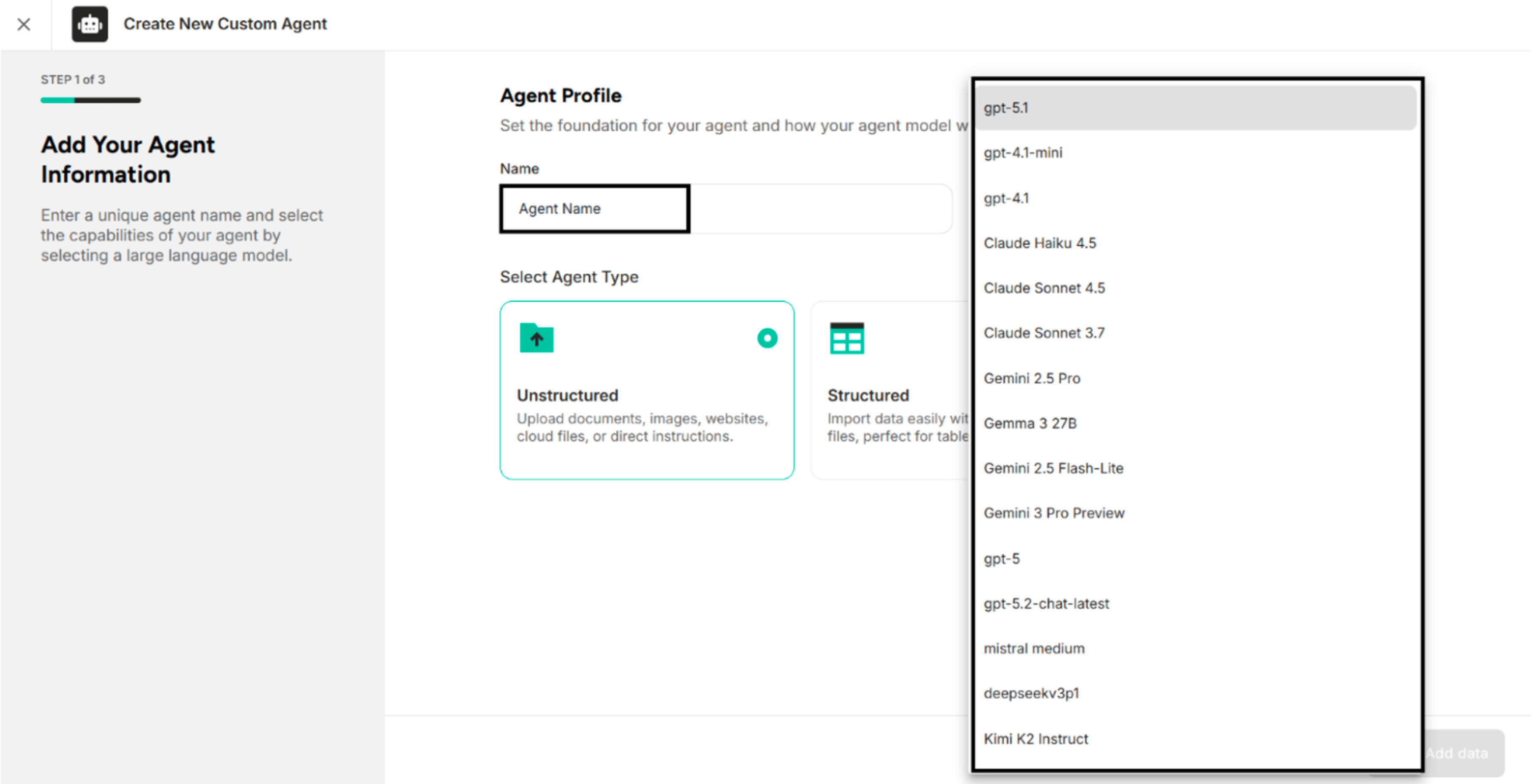
Note: The available models are provided by the integration of AI models in the Atenxion Platform.
Step 3: Click "Next: Add Data" in the Agent Information Interface
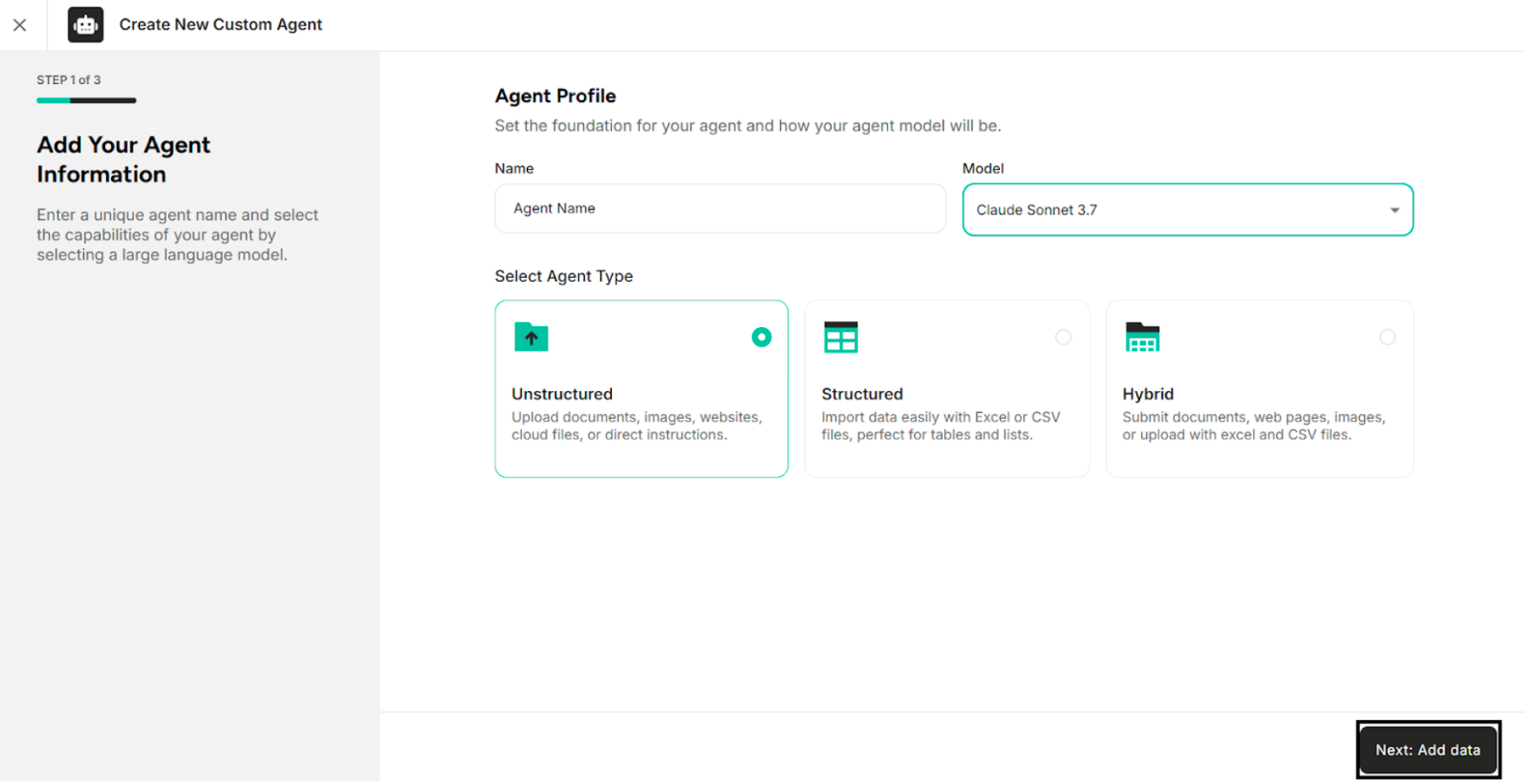
The following table describes the buttons available in the Add Your Agent Information interface.
| Button | Description |
|---|---|
| Next: Add Data | Proceed to add data for the agent |
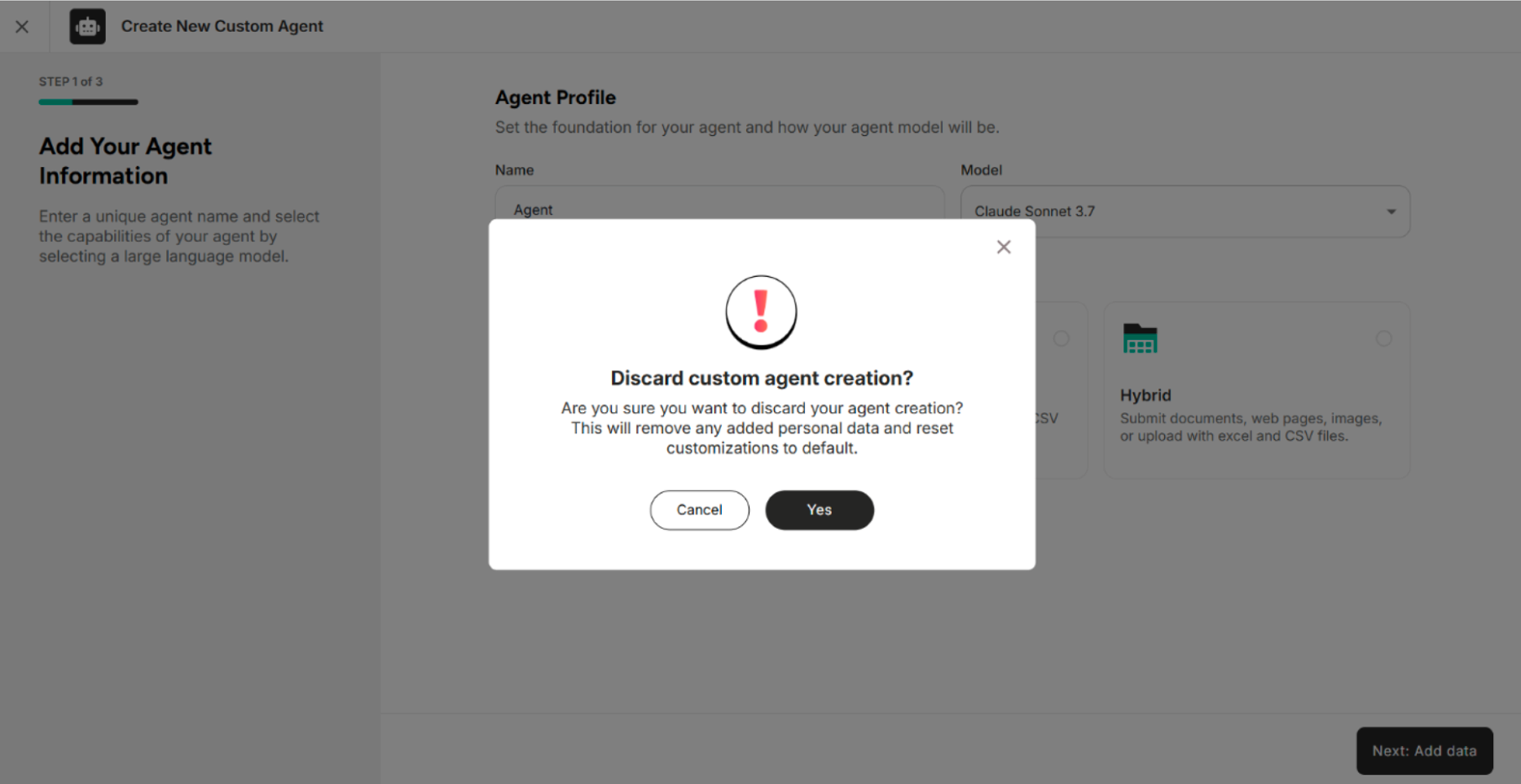
| Cross Button | Cancel the agent creation process |
Table: Buttons Available in the Add Your Agent Information Interface